
 By Yilu Support
Choosing between a 4g mobile proxy and residential proxies depends on what you need. If you want to stay very hidden, mobile proxies are better. 4g mobile proxy choices use real carrier IPs. They change addresses a lot. They also use safe protocols like HTTPS and SOCKS5. This helps you not get blocked and keeps you hidden. Residential proxies are more steady and usually cost less. Here are the main differences:
Type | High Level of Anonymity | Stability | Cost |
|---|---|---|---|
4G Mobile Proxy | ✅ | Moderate | Higher |
Residential Proxies | Moderate | ✅ | Lower |
You can try both types for free with a trial from Yilu Proxy.
Key Takeaways
4G mobile proxies give you strong privacy. They use real mobile carrier IPs that change a lot. This helps you stay hidden and not get banned.
Residential proxies give you steady and reliable connections. They cost less money. They are good for long jobs like web scraping and account management.
Use 4G mobile proxies if you need strong privacy. They are good for fast IP changes and mobile-like traffic. They work well for social media bots and strict site scraping.
Use residential proxies for steady use and many locations. They are good for saving money. They work well for ad checking and simple automation.
Try both proxy types with a free trial first. This helps you see which one is best for your speed, stability, and safety needs before you choose.
Quick Comparison
Main Differences
It is important to know how 4G mobile proxies and residential proxies are not the same. This table makes it easy to see the differences:
Feature | 4G Mobile Proxies | Residential Proxies |
|---|---|---|
Anonymity | Very High | Moderate |
Stability | Moderate | High |
Cost | Higher | Lower |
IP Rotation | Fast and Frequent | Slower |
Best For | Social media, scraping | Web scraping, browsing |
Detection Risk | Very Low | Low to Moderate |
Tip: 4G mobile proxies help you stay hidden and avoid bans. Residential proxies are better if you need a steady connection for a long time.
Pros and Cons
You should check the good and bad sides of each proxy type. This helps you pick what fits your needs.
4G Mobile Proxies
👍 You stay hidden from most websites with high anonymity.
👍 Changing IPs often helps with scraping and automation.
👎 They cost more if you need a lot of them.
👎 They may not work as well for long sessions.
Residential Proxies
👍 They cost less, so they are good for big projects.
👍 They give you a steady connection for browsing and scraping.
👎 They do not hide you as much, so some sites might notice you.
👎 The IPs do not change as fast, so some tasks are harder.
Both proxy types can help with scraping. Your choice should match what you want to do. Always look at the main differences before picking one.
4G Mobile Proxy Overview
How It Works
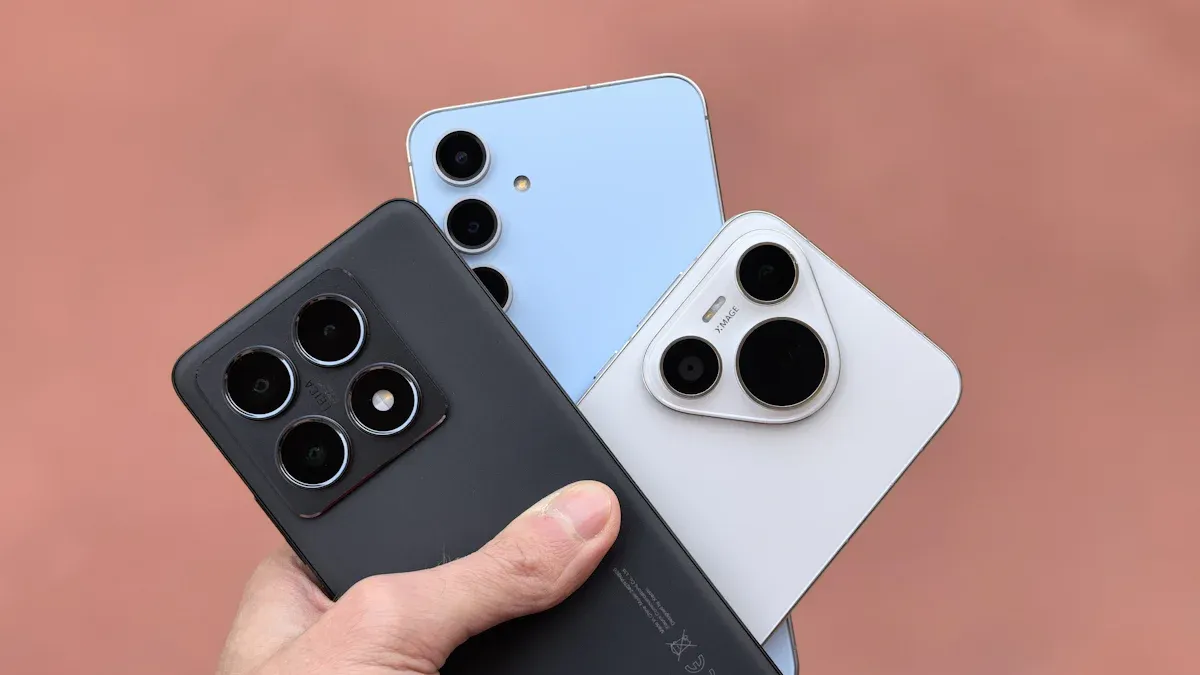
A 4g mobile proxy makes your internet look like it comes from a phone. These proxies send your requests through mobile networks. They use IP addresses from mobile carriers. This makes it seem like you are using a real mobile device. The proxy changes your IP address a lot, sometimes after each request. Changing IPs often helps keep you private. It is hard for websites to track you. Mobile proxies use encryption and private connections. This keeps your data safe and private. Because they use real mobile carrier IPs, they act like real users. This helps you stay very hidden.
Note: Mobile proxies hide your real IP address. This makes it hard for websites to find or block you.
Key Features
Mobile proxies have special features that make them different. Here are some important ones:
You are not likely to get blocked because telecom companies give out changing IPs.
You can change your IP often, even every time you send a request, and it does not cost more.
You can send many requests at once because there are lots of proxies.
You can pick locations, even down to the city or carrier, for wide coverage.
You get more privacy because shared mobile IPs are hard to track.
You usually do not get banned since mobile proxies look like real phone traffic.
You get strong privacy, which is good for secret scraping.
Sometimes, speeds are slower or you see captchas because of shared IPs and network limits.
When to Use
Use a 4g mobile proxy when you need the most trust and privacy. These proxies are best for social media bots, ad checks, and handling many accounts on strict sites. If you want to scrape sites that block other proxies, mobile proxies help you avoid bans. They are also good for brand safety, SEO, and any job where you need to stay hidden. Experts say to use mobile proxies when you must look like a real phone user and not get caught. They cost more, but you get the best chance to stay hidden and finish your work without problems.
Residential Proxies Explained
How They Work
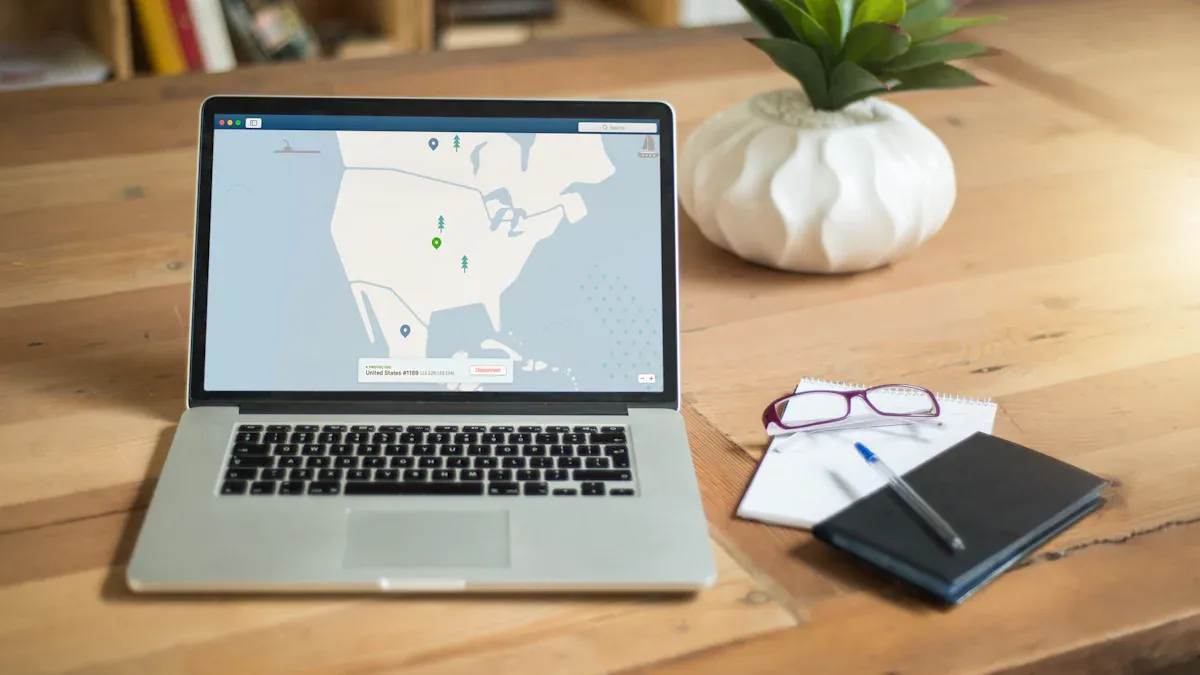
Residential proxies help you seem like a real person online. Your internet requests go through someone’s home device. This device uses an IP address from a home internet provider. Here is how it works:
You send a request using residential proxies.
The proxy sends your request with a real home IP.
The website only sees the proxy’s IP, not yours.
The proxy gives the website’s answer back to you.
This makes your traffic look like it comes from a real home. Websites trust this kind of traffic more. You get better privacy and are less likely to get blocked. How private you are depends on the proxy provider’s rules about logging and watching.
Key Features
Residential proxies have many features that help keep you safe online:
They use real home IP addresses, so your traffic looks real and is hard to spot.
You can use different protocols like HTTP, HTTPS, and SOCKS5.
IP rotation lets you change your IP often or keep the same one for a while.
You can pick locations by country, city, or even internet provider.
Big IP pools cover many places, which lowers the chance of blocks.
Providers use load balancing to keep your connection steady.
You can get around geo-blocks, anti-crawling tools, and CAPTCHA.
Many providers give 24/7 support and easy dashboards.
Pricing is flexible, so you can choose what fits your needs.
Tip: Residential proxies are more trusted than datacenter proxies. They work better for jobs that need to look like real users.
When to Use
You should use residential proxies when you need to act like a real person online. These proxies are good for web scraping, ad checking, and handling many accounts. If you want to check ads from different places or scrape data without getting blocked, residential proxies help you. They also help you get around geo-blocks and avoid CAPTCHAs. Many people use them for SEO checks and sneaker bots. You get a steady connection and high success rates for your tasks. Always pick a trusted provider to keep your privacy safe.
Comparison
Anonymity & Detection
When you use proxies for web scraping, you want to stay hidden. 4g mobile proxy choices help you hide the best. They use real mobile carrier IPs. Websites think you are a real phone user. This makes it hard for sites to find or block you. Your IP changes a lot, so bans are rare. Mobile proxies keep your identity safe and help you beat anti-bot systems.
Residential proxies also keep you safe, but not as much as mobile proxies. You still look like a real person online. Some smart websites can spot patterns in residential proxies. This means you might get blocked or see more CAPTCHAs. If you want the most protection, pick mobile proxies. For most jobs, residential proxies give enough privacy and security.
If you care about cybersecurity, pick a proxy that matches your risk.
Speed & Stability
Speed and stability are important for web scraping and browsing. Residential proxies give you good speed and steady performance. They use home internet lines for a strong connection. This is great for long tasks and when you need the same IP. You can trust residential proxies for big projects.
Mobile proxies, like 4g mobile proxy, can be slower. Mobile networks get busy, and IPs change a lot. This can cause small delays or more CAPTCHAs. Still, they are fast enough for most scraping jobs. If you need to change IPs quickly or avoid bans, mobile proxies are good. For the best steady connection, residential proxies are better.
Cost & Availability
You should think about price and how easy it is to get proxies. Residential proxies usually cost less. Providers charge by how much data you use. You can see the price range in the table below:
Provider | Pricing Model | Cost Range (per GB) | Notes |
|---|---|---|---|
Yilu Proxy | Pay-as-you-go & plans | $0.8 – $1 per GB | Lower cost for larger volumes |
Bright Data | Pay-as-you-go & plans | $3.15 – $8 per GB | Higher price points, discount codes |
Oxylabs | Pay-as-you-go & plans | $3 – $8 per GB | Premium pricing |
SOAX | Subscription & pay-go | $2.46 – $4 per GB | Various plan sizes |
NetNut | Subscription | $1.59 – $3 per GB | Larger volume plans reduce cost |
Mobile proxies cost more money. You pay by the port or a set package, not by data. Here is a table with some common prices:
Provider | Pricing Model | Cost Range | Notes |
|---|---|---|---|
Froxy | Per port subscription | ~$1 per port per month | Starter: $25/month for 25 ports |
Oxylabs | Pay-as-you-go & plans | $22 per GB or $200/10GB | Premium network, large IP pool |
Rayobyte | Weekly/monthly packages | $75/week to $250/month | IP pools vary in size |
AirProxy | Monthly package | €90/month per dedicated proxy | Italy-based 4G/LTE proxies |
Residential proxies are easier to get because there are more of them. They also cost less. Mobile proxies are harder to find in big numbers and cost more. But they give you better security and more privacy.
Geo-Targeting
Geo-targeting lets you pick where your IP comes from. This helps you get around blocks and see content from other places. Mobile proxies, especially rotating ones, cover over 170 countries. You can pick by country, region, city, or even mobile carrier. This helps you do research or bypass blocks in many areas.
Proxy Type | Number of Countries Covered | Number of Locations / Granularity |
|---|---|---|
Rotating Mobile Proxies | 170+ | Precise geo-targeting down to country, region, city, and mobile carrier |
Dedicated Mobile Proxies | 5+ | 50+ locations |
Static Residential Proxies | 20+ | Limited to country-level coverage |
Residential proxies also help you get around blocks, but they cover fewer countries. You often only get to pick the country, not the city or carrier. If you want to reach users in many places or test ads in different cities, mobile proxies give you more choices.
Tip: For the best location options and to beat geo-blocks, use mobile proxies. For simple needs, residential proxies are enough.
Best Use Cases
Social Media
Many people need to run lots of social media accounts. This is for things like marketing, research, or using bots. Mobile proxies are great if you want to stay hidden on sites like Instagram. They make it look like you are using a real phone. You can use browser tools and fingerprint settings with mobile proxies. This helps you hide even more. Tools like Jarvee and Multilogin let you use a different proxy for each account. Each account looks different to the website. This lowers bans and keeps your accounts safe.
Sticky residential proxies also help with many accounts. They keep the same IP for a long time. This is good for posting or staying logged in. You get fewer security warnings and can keep your session going. Residential proxies cost less and are good for steady account work.
Tip: Pick mobile proxies for risky sites or if you need to act like a phone. Use residential proxies for steady, long-term account use.
Mobile proxies: Good for hiding, avoiding bans, and acting like a phone user.
Residential proxies: Good for keeping sessions, posting, and saving money.
Web Scraping
Web scraping means getting data from websites. This is for research, prices, or business info. Mobile proxies help you not get blocked. Sites think your requests come from real phones. These proxies change IPs a lot. This makes it hard for sites to spot scraping. You get better results on strict or mobile-only sites.
Residential proxies give you more steady use and cost less. They look like normal users online. This helps when you need to scrape lots of data. You can change IPs or keep the same one for a while. Residential proxies are good for scraping data from certain places.
How well scraping works depends on the proxy and how you use it. Mobile proxies cost more but hide you better. Residential proxies are cheaper and blend in well.
Note: Use mobile proxies for strict or mobile-only sites. Use residential proxies for steady and cheap scraping.
Ad Verification
Ad verification checks if ads show up right in different places. You need to see ads like a real user. Residential proxies use real home IPs. This makes them hard to block. They cover many countries and cities. You can check ads all over the world. You get good results and can keep sessions going for a long time.
Mobile proxies are almost never blocked. They are best for testing mobile ads or hard sites. They use real mobile devices. You can test mobile ads and links without getting blocked. Mobile proxies cost more but give you the best access.
Residential proxies: Good for wide coverage, saving money, and working with ad tools.
Mobile proxies: Good for testing mobile ads, checking affiliate links, and beating tough blocks.
Callout: Both proxy types help with ad checks. Your choice depends on your work and budget.
Automation
Automation saves time on things like making accounts, getting data, or shopping online. Mobile proxies help you succeed more with automation in e-commerce. Websites trust mobile IPs more. You get banned less often. Mobile proxies change IPs by themselves. This helps you beat anti-bot systems and see mobile content.
Residential proxies also work for automation. They are good for tasks that need to look like a real home user. You get steady use and can pick certain regions. For most automation, residential proxies are a good mix of price and trust.
Tip: Use mobile proxies for risky automation or to beat strict blocks. Use residential proxies for steady, region-based automation.
Other Tasks
Some jobs need special proxy features. The table below shows which proxy is best for each job:
Proxy Type | Specialized Tasks | Key Advantages |
|---|---|---|
4G Mobile Proxies | Very high stealth on strict sites, advanced social media, ticketing, retail bots | Very real, changes IPs a lot, less chance of blocks |
Residential Proxies | E-commerce data, local SEO, region data, real user tasks | Real home IPs, city targeting, less suspicion |
You can use mobile proxies for very secret jobs. This includes beating tough anti-bot systems or getting tickets. Residential proxies help with e-commerce data, local SEO, and jobs that need to look like a real home user.
Note: Both proxy types help you get around location blocks or see content in certain cities. Mobile proxies give you more choices for exact places.
How to Choose
Assess Your Needs
Start by thinking about what your project needs. Decide if you care most about security, speed, price, or where your IP comes from. The table below shows how 4G mobile proxies and residential proxies work for different needs:
Criteria | 4G Mobile Proxies | Residential Proxies |
|---|---|---|
Anonymity Level | High security because many people share the same IP. These IPs look like real phones. | Trusted because IPs come from home internet. Strong security and almost no risk of being found. |
Detection Difficulty | Hard to block because they look like real phone users. | Almost never found out. IPs are from real homes. |
Geotargeting | You can pick IPs by area and phone company. | You can pick by country, city, or internet company. Many places are covered. |
Cost | Costs more because it gives top security. | Cheaper and safe enough for most jobs. |
Stability | Depends on the phone network. IPs can change a lot. | Very steady. Good for long use and strong safety. |
Speed | Speed changes by area and network. | Good speed. Sometimes slows down if many people use it, but usually steady. |
Suitable Use Cases | Good for secret jobs, social media, risky bots, testing locations, and when you need strong safety. | Good for getting data, checking stats, running accounts, using bots, and jobs that need real user actions. |
Pick 4G mobile proxies if you want the best safety and to not get caught. Pick residential proxies if you want steady use, lower price, and strong safety for most jobs.
Try Yilu Proxy Free
You can try both proxy types with a free trial from Yilu Proxy. The trial lets you use static IP proxies without paying. You get IPs from all over the world, fast speeds, and smart tools to help you manage your proxies. You can switch between residential and datacenter proxies to see which one works best for your safety needs. Yilu Proxy has good prices and a dashboard to help you watch how your proxies work. The free trial is good for new users and experts. You can try different choices and find the best safety for your project.
Tip: Use the free trial to see how each proxy type works for your tasks. Check the speed, steadiness, and safety before you choose.
Tips for Safe Use
You must use proxies in a safe way and follow the rules. Here are some tips:
Only use proxies for legal and fair jobs. Always follow website rules.
Do not scrape data or look at things you should not. This keeps you safe and protected.
Use strong passwords and change them often. This helps keep your accounts safe.
Pick a trusted provider like Yilu Proxy for better safety and help.
If you work with private data, talk to a lawyer to make sure you follow the law.
Note: Proxies help keep you safe, but you must use them the right way. Good habits help you stay safe and protected.
Both 4G mobile proxies and residential proxies have their own good points. You need to pick the one that fits what you want to do. Some new things in proxy technology are:
5G mobile proxies are now faster and have less delay.
AI helps residential proxies work better for users.
People care more about privacy and using proxies the right way.
You can try Yilu Proxy’s free trial to see which one is best for you. This will help you choose safely and wisely.
FAQ
What is the main difference between 4G mobile proxies and residential proxies?
You pick 4G mobile proxies if you want to stay hidden. These use real mobile carrier IPs. Residential proxies use IPs from home internet. Residential proxies are more steady. Mobile proxies keep you more secret.
Can you use both proxy types for web scraping?
Yes, you can use both for web scraping. Mobile proxies help you not get blocked on strict sites. Residential proxies are good for big, steady scraping jobs. Pick the one that fits your website and needs.
Are 4G mobile proxies legal to use?
You can use 4G mobile proxies for most legal jobs. Always follow the rules of the websites you visit. Never use proxies for anything illegal. Check your local laws if you are not sure.
Which proxy type is better for managing multiple social media accounts?
You get better results with 4G mobile proxies for social media. These make you look like a real phone user. You avoid bans more easily. Residential proxies work too, but mobile proxies are trusted more on strict sites.